
Brian's thoughts put into words

In this tutorial, you will learn how to create a template override for the Article view so that the intro text and full text are rendered separately. This makes it possible to apply different CSS styling to the intro section of an article.
If you use TinyMCE, the default editor in Joomla, you may have noticed a frustrating table issue.
Supporting right-to-left (RTL) languages in Joomla — whether Persian (Farsi), Arabic, Hebrew or others — is more involved than simply installing an RTL language pack and flipping a switch. If you’ve ever worked on an international Joomla site, you’ll realize that changing the text direction is the easy part… and the real work is in the details.
Joomla 5.2 quietly introduced a powerful new content feature: native accordions in TinyMCE, powered by standard HTML rather than JavaScript. This gives content creators an easy way to add collapsible sections while keeping markup clean, accessible, and future-proof.

You don’t need a badge to contribute to Joomla. You just need to roll up your sleeves and do it.


Every website built on Joomla depends on a healthy ecosystem and that ecosystem is at risk if we only take and never give back. Without new contributors, Joomla is a forest without saplings, and the future of everything built on it is in danger.

It’s 2026. If we still need to specify that a website should be accessible, then something has gone badly wrong.
Open source doesn’t have to be about leaders at the front and followers behind. The strongest communities are the ones that move forward together.


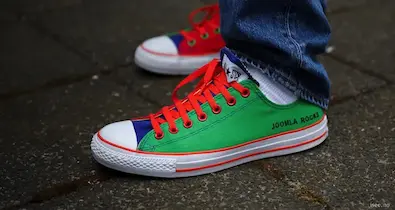
 Congratulations, you discovered a hidden secret!