

Meet Grafida
The free desktop writing app built for Joomla.
Write once.
Publish everywhere.
Download Free Learn More about Grafida Desktop editor for Joomla
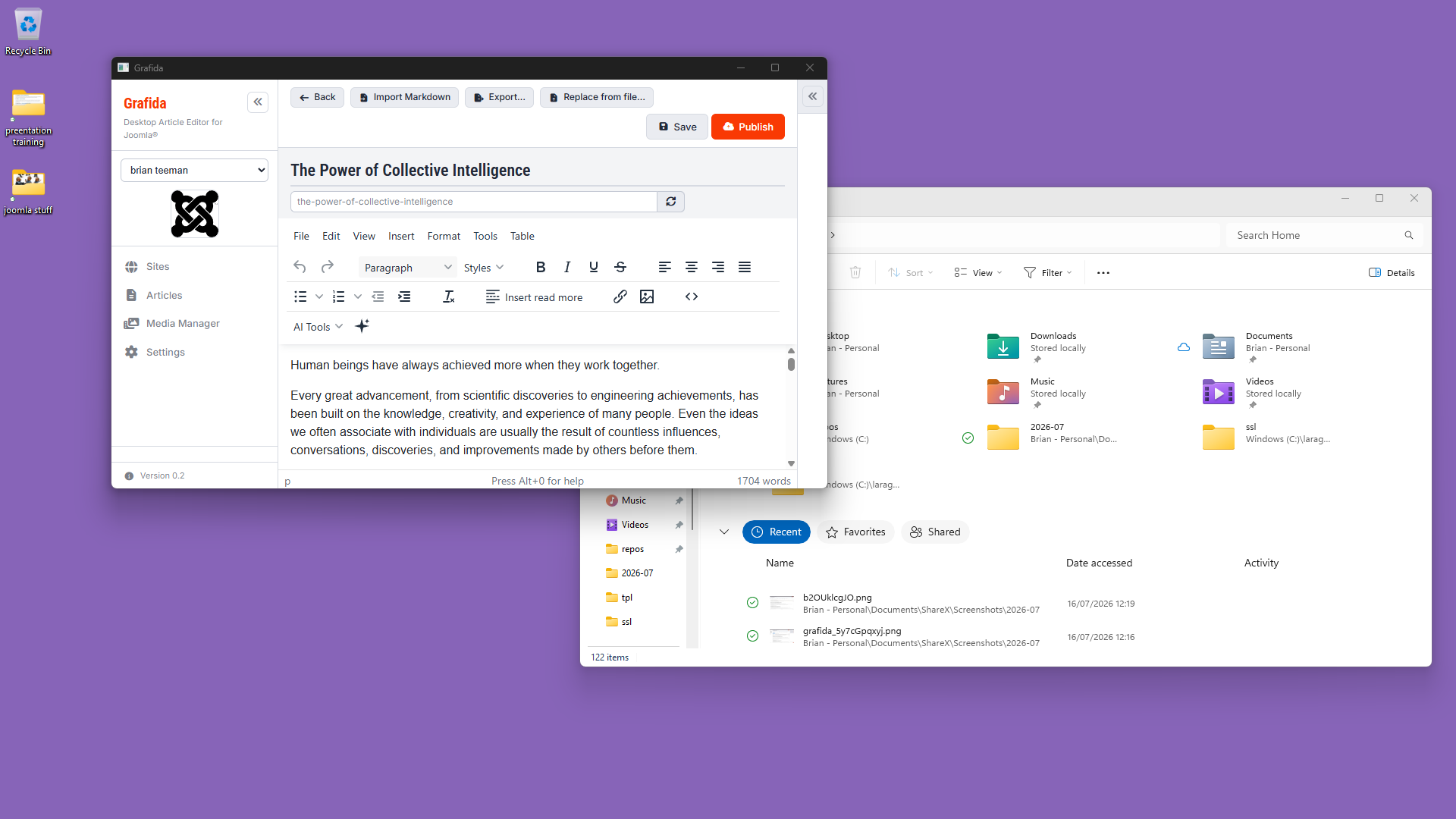
Desktop App
Native applications for Windows, macOS and Linux. No browser required.
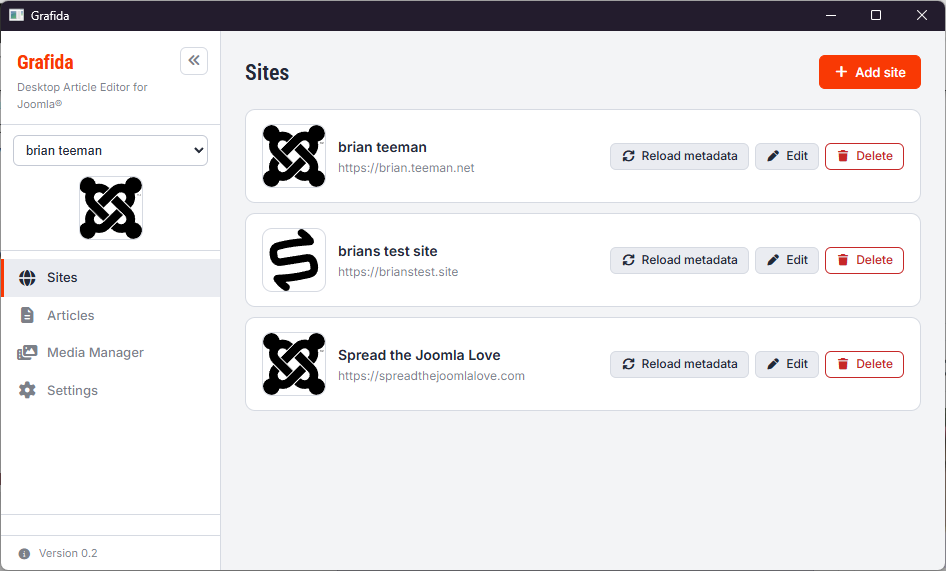
Unlimited Sites
Connect as many Joomla websites as you like from one application.
AI Assistance
Use AI when you need a helping hand, or simply write using the editor you already know.
Familiar from the very first keystroke
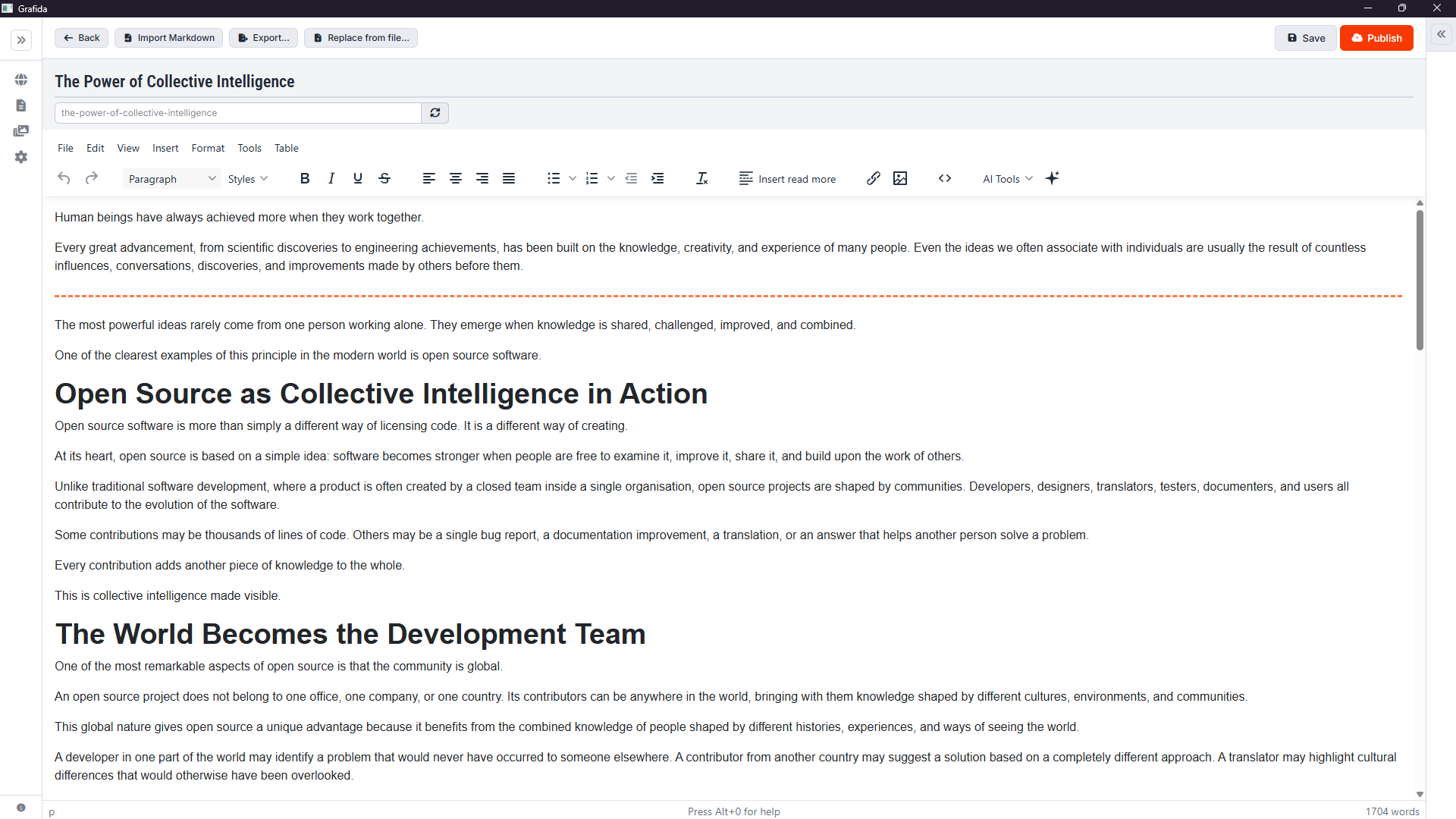
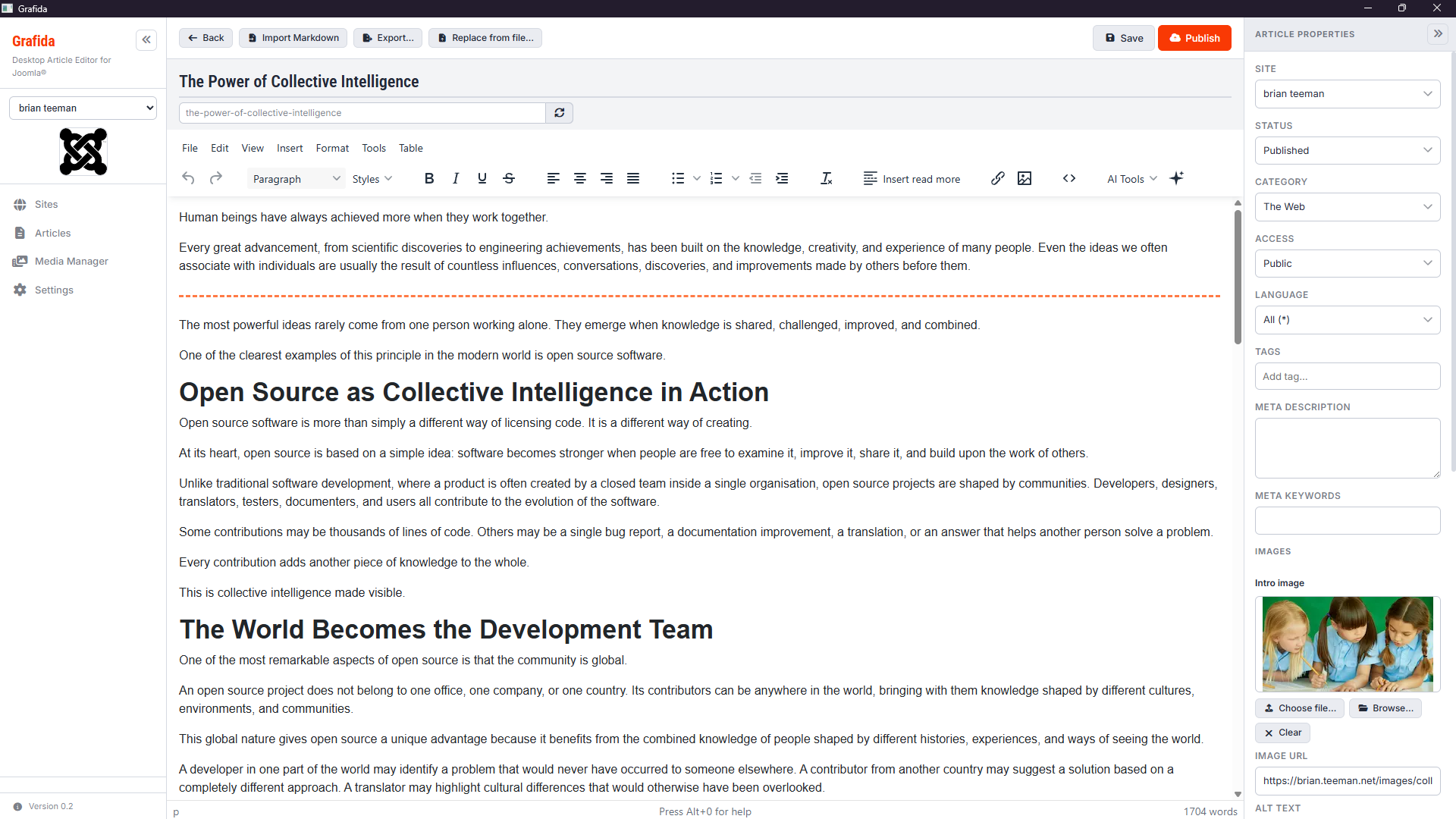
Grafida uses exactly the same TinyMCE editor that powers Joomla.
If you've ever written an article in Joomla you'll feel at home immediately. The toolbar, formatting, tables, images and editing experience are exactly what you already know.
There are no new editing tools to learn and no complicated interface to master.
It's Joomla editing — without the browser.
Images without the hassle
Use your existing Joomla images or add new ones as you write.
Grafida connects directly with your Joomla Media Manager, giving you access to the images already stored on your website.
When you add a new image, Grafida uploads it to Joomla and makes it available in your Media Manager.
Images added while you are offline are stored locally and automatically uploaded to Joomla when you publish your article.
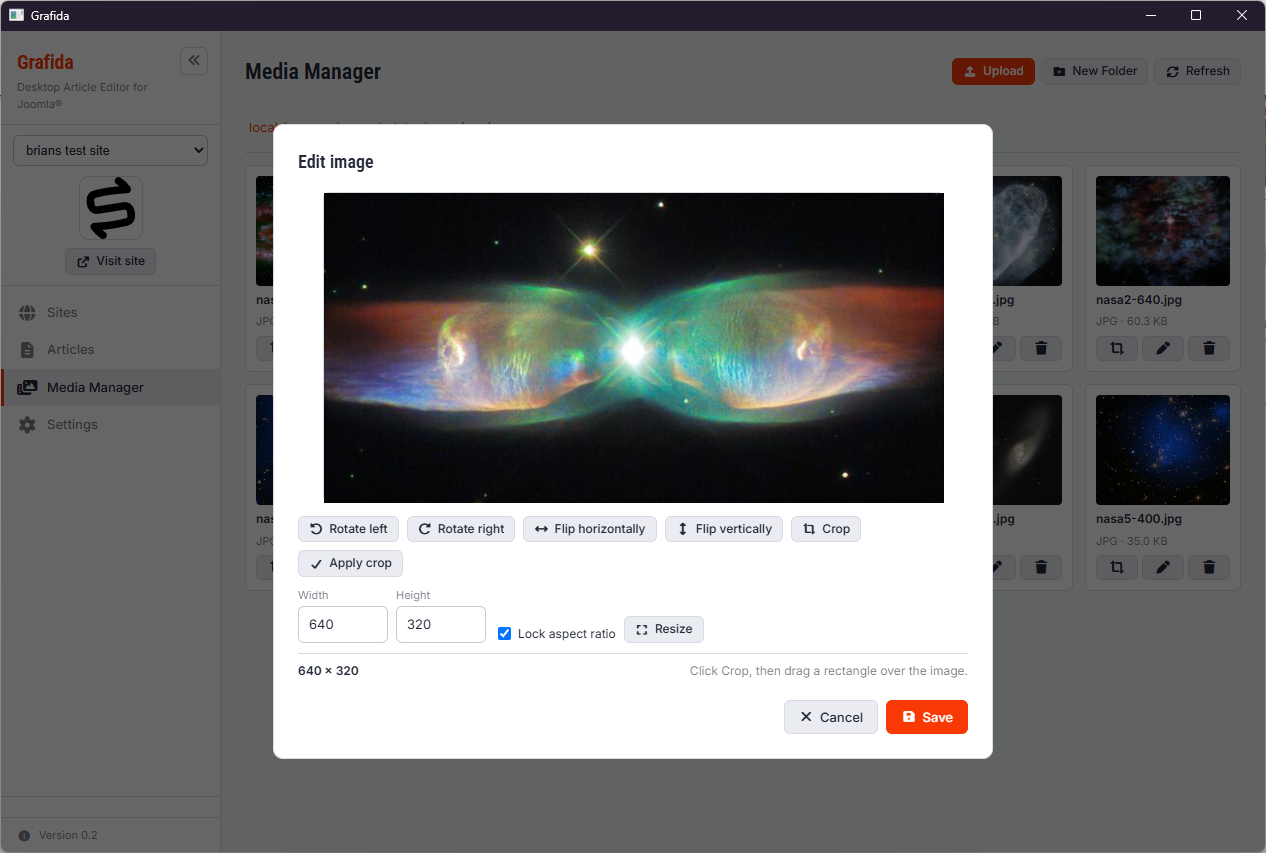
Grafida also includes image editing tools so you can resize and crop images before adding them to your content.
One application.
Unlimited Joomla websites.
Whether you manage one website or twenty, Grafida keeps everything together in one desktop application.
No subscriptions.
No browser tabs.
No unnecessary complexity.
Work anywhere
Your ideas shouldn't have to wait for Wi-Fi.
Draft articles on a train, in a café, on a flight or anywhere inspiration strikes. When you're back online, simply synchronise with Joomla.
Optional AI Writing Assistant
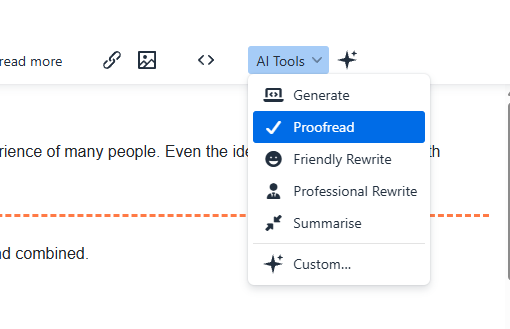
Grafida works perfectly without AI, but when you need a little help, optional AI tools are there when you want them.
Need help starting an article?
Need a paragraph rewritten?
Need a better summary?
Need a different tone?
Need help overcoming writer's block?
The AI works alongside you — not instead of you. You remain in complete control of every word.
Why you'll love Grafida
- ✓ Completely FREE
- ✓ Windows, macOS & Linux
- ✓ Familiar TinyMCE editor
- ✓ Unlimited Joomla websites
- ✓ Offline editing
- ✓ Optional AI writing assistant
- ✓ Clean, distraction-free writing
- ✓ Designed specifically for Joomla users
Spend less time managing content.
Spend more time creating it.
Grafida is the writing environment Joomla users have always deserved.
Your content remains yours. AI is optional, not mandatory.
Download GrafidaYou won't be surprised to read that this entire article was created using Grafida.
Grafida is created by Nicholas K. Dionysopoulos and you can read more about its creation in my article "If Joomla Could..."
Windows 11 Home
During our testing we observed that newly signed builds were blocked by Smart App Control on fresh Windows Home installations despite being digitally signed. We did not observe the same behaviour on our Windows Pro test systems. We have not found Microsoft documentation explaining this difference.

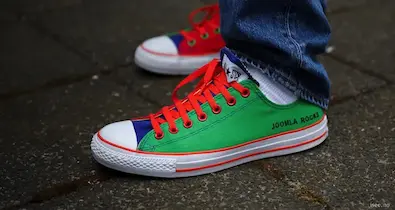
 Congratulations, you discovered a hidden secret!