
Brian's thoughts put into words
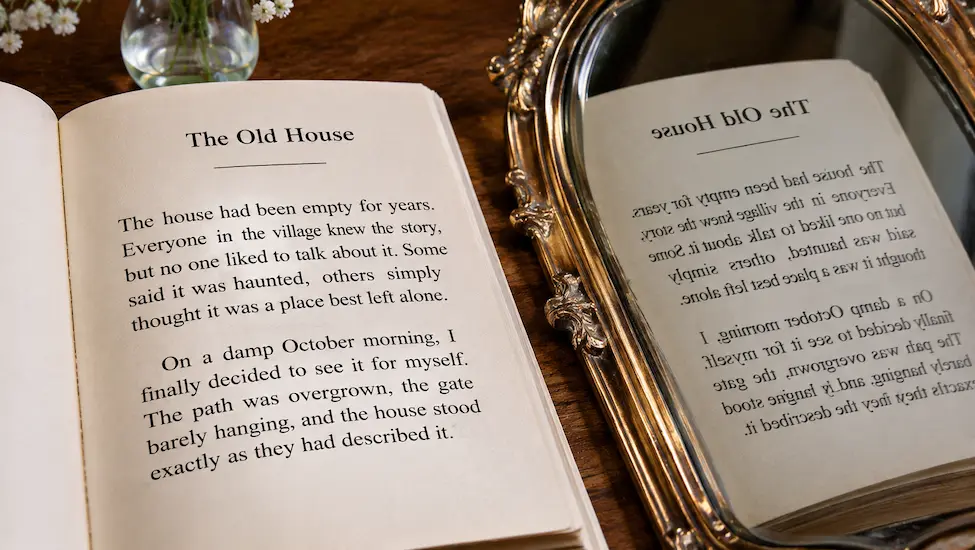
In my recent article, Joomla and RTL Languages, I talked about CSS logical properties and why they are important when developing websites that support right-to-left (RTL) languages.
I covered the basics of replacing physical properties such as left, right, margin-left and padding-right with their logical equivalents.
How long should a blog post be?
It's a question that gets asked a lot, and AI and the internet seem confident that they have the answer. Depending on which article you find or which AI you ask, you'll be told that 600 words is enough, that 1,500 words is the sweet spot, or that you should be writing 2,500 words because apparently Google likes long articles.
The question isn't really how many words an article should contain. The question is how much effort you're asking somebody to make in order to read it.

There is a little box in Joomla wherever you add an image that says “Image Description (Alt Text)”. You put some words in it, save your article and congratulate yourself because you have now made your website accessible.
Except you haven't.
Well, perhaps you have. But there is a good chance that what you have actually done is label the image rather than describe it. And those two things are not the same.

Here is a question that nobody has ever asked in a website redesign meeting: is your website left-handed or right-handed?
Before you start wondering whether I have finally run out of things to complain about, bear with me. We spend an astonishing amount of time designing websites around assumptions about where people look, where they click, where they expect things to be and, apparently, which hand they are going to use to do it.
We just don't call them assumptions. We call them "best practice", which is generally where the trouble starts.

Don't use a canonical tag to tell Google which of your mistakes it should ignore. Fix the mistake.
That might sound deliberately provocative, but it is the argument behind this entire article. If you genuinely have multiple URLs pointing to the same content, your first question shouldn't be “Which canonical tag should I use?” It should be “Why do I have multiple URLs pointing to the same content?”

I wanted a simple way to display a thumbnail image that visitors could click to see the full-size image.
Nothing complicated. No gallery extension. No lightbox library. And, most importantly, no JavaScript.
It turns out that modern HTML can do most of the work for us using the popover attribute.

There is a famous advertising slogan in the UK: A dog is for life, not just for Christmas.
A puppy might make a wonderful Christmas present, but it isn't really a Christmas present. It is a responsibility that lasts for many years. The excitement of Christmas morning is temporary; feeding it, walking it, looking after it and paying the vet bills are rather more permanent.
Exactly the same thing could be said about websites.
A website is for life, not just for launch day.

If you use Laragon for local web development, you have probably encountered this.
You create a new folder inside one of your projects. You haven’t created an index.php yet because, well, you’re still working on it. You open the folder in your browser and Apache helpfully presents you with a directory listing.
Technically, there is nothing wrong with it. Apache is doing exactly what it has been configured to do. But let’s be honest. It looks like 1998.
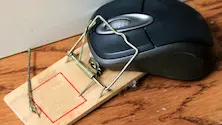
As the day progresses, my physical ability to use a mouse decreases. The mouse itself is perfectly fine, of course; it is still sitting there on my desk, working exactly as it should, but using it becomes increasingly uncomfortable for me.
As a result, I gradually find myself relying more and more on my keyboard to browse the web, with the occasional use of a touchscreen when that is more convenient.
And something interesting happens. For the majority of the time, it really isn't a problem until it suddenly is.

 Congratulations, you discovered a hidden secret!