
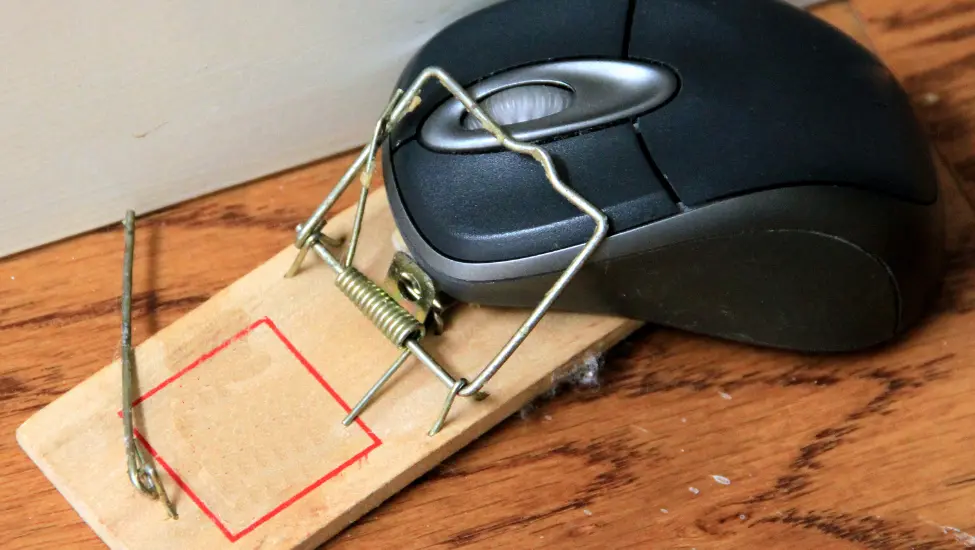
As the day progresses, my physical ability to use a mouse decreases. The mouse itself is perfectly fine, of course; it is still sitting there on my desk, working exactly as it should, but using it becomes increasingly uncomfortable for me.
As a result, I gradually find myself relying more and more on my keyboard to browse the web, with the occasional use of a touchscreen when that is more convenient.
And something interesting happens. For the majority of the time, it really isn't a problem until it suddenly is.
The web without a mouse
Navigating the web using just a keyboard is generally OK. I can tab through links and controls, press Enter to activate things, use the arrow keys where appropriate, move between browser tabs, search, go backwards and forwards and generally get on with what I need to do.
In fact, after a while it becomes surprisingly natural. You stop thinking about the fact that you aren't using a mouse because, for the most part, the web continues to work perfectly well without one.
The same is true when I occasionally use a touchscreen. Tap something, scroll with a finger, swipe between things. Again, most websites cope perfectly well.
And then you get to that website.
You don't know what you can't see
You know the one. It's the one with the funky menu with animations and flyouts.
The problem is that I don't know that it has a funky menu. I don't know that there is some clever navigation mechanism that appears when somebody moves their mouse over the right part of the screen. I don't know that there is another layer of navigation sitting there, waiting for me to hover over something.
All I know is that the website appears to be missing information.
It might be an online shop and I know they sell the thing I am looking for, but I cannot find it anywhere on the website. I search for it. I look through the pages that I can reach. I navigate through the available links and controls. Nothing.
Or its my bank and I need to make a payment, but I cannot find the option to do so. I know it must be there because banks generally don't make it particularly difficult to give them money, but as far as I can tell, the option simply doesn't exist.
Except it does exist.
It is just hidden behind that funky menu.
There is a big difference between inaccessible and invisible
This is an important distinction.
It is one thing not to be able to trigger a menu item or navigate through a page in a logical order. That is frustrating, but at least I can see that the information or functionality is there. I know what I am missing and, if I really have to, I can grab the mouse, wince in pain and use it to get where I need to go.
It isn't a good solution, but it is at least a solution for me although obviously not for everyone.
If the menu item is visible, I can understand what the website expects me to do. I can see the thing I need. I can see that there is a problem with how I am interacting with it.
But when a menu item only appears when you hover over something with a mouse, I don't even know that I am missing it.
That is much worse.
I cannot look at the screen and think, "Ah, there is the Payments menu, I just can't activate it with my keyboard." Instead, I look at the screen and think, "There doesn't appear to be a Payments menu at all."
There is nothing for me to discover.
And if I don't know that something exists, I don't know that I need to find a way around the problem.
Passing an accessibility test isn't the same as being accessible
This is why we need to be careful about treating automated accessibility testing as the final word on whether a website is accessible.
Automated testing is incredibly useful. It catches real problems, it gives developers useful feedback and it can prevent many common accessibility mistakes from making their way into production. We should absolutely use it but it doesn't test for everything.
Passing an automated accessibility test doesn't necessarily mean that a website is accessible and usable to me without a mouse.
There is also a big difference between technical compliance and somebody actually being able to accomplish what they came to the website to do.
A test can tell you that certain elements have the right attributes, that a particular control is technically keyboard accessible or that the document structure satisfies a particular rule. Those things matter, but they don't necessarily tell you whether a human being can actually understand how to navigate the interface and discover everything that is available.
And that is where real-world testing becomes so important.
So spend a day without a mouse
I'm not asking you to become an accessibility expert overnight. I'm not asking you to throw away your mouse. I'm simply asking you to spend a day, or at least a few hours, without using one.
Browse the web using only your keyboard. Use a touchscreen if you have one. Try the websites that you normally use and, most importantly, try to do the things that real people actually do with those websites.
- Buy something from your shop.
- Find a product.
- Complete a checkout.
- Log into your bank.
- Make a payment.
- Find some information that isn't immediately visible on the home page.
Do all of that without touching the mouse and see what happens.
You may be pleasantly surprised by how well your website works. If so, congratulations. That is exactly what we want.
But sooner or later, you will find that website.
- The website where something seems to be missing.
- The website where the navigation doesn't make sense.
- The website where you cannot get to something that you know should be there.
- The website where the information is technically present, but only becomes visible when somebody performs an interaction that you cannot perform.
When you find it, don't just shrug and say, "Well, it works for most people."
You're a web developer - Fix it!!
Not just for me, but for everyone else who interacts with your website in a way you didn't anticipate.
Because accessibility isn't really about making a website pass an automated test. It is about making sure that real people can use the website to accomplish the things they came there to do.
Spend a day without a mouse.
See what I see.
Then fix what you find.


 Congratulations, you discovered a hidden secret!